
Digital Teacher Notebook
Digital Teacher Notebook
Organize groups, class schedules, attendance and monthly fees, and see who hasn't paid at a glance. Works offline, no server needed.
Digital Teacher Notebook
Organize your tutoring groups, generate the class schedule for the whole school year automatically, take attendance in one tap, and see right away how much you collected this month and who hasn't paid yet.



- Works offline
- Automatic schedule
- Private by design
- Arabic & English
Everything you need to run your groups
Academic year and semesters
Set up the school year and the start and end of each semester once. The study months are created for you.
Automatic class schedule
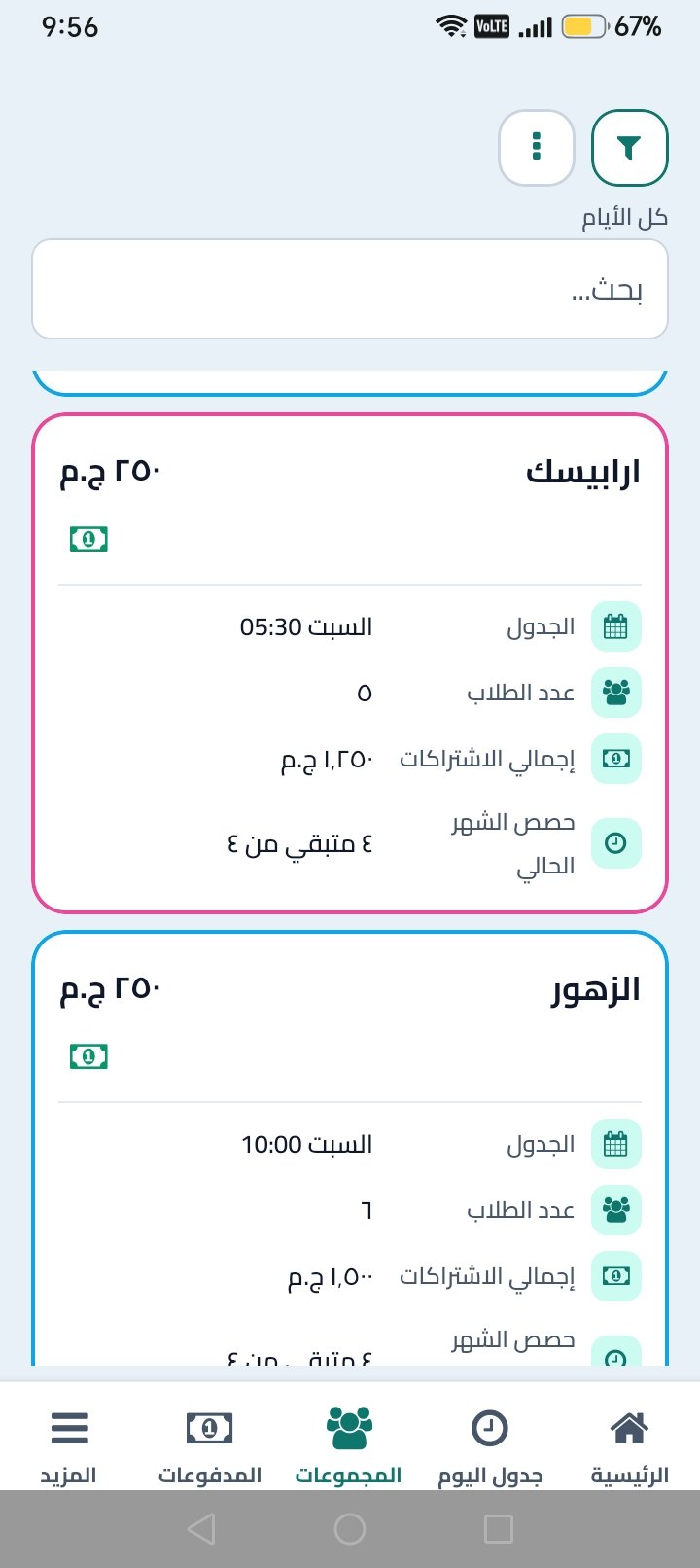
Set the weekly pattern (for example Saturday and Thursday, 5 to 7 pm) and every session is generated across the study months. Cancel or reschedule one session without touching the rest.
One-tap attendance
Pick a group and a session, then mark each student present, absent with an excuse, or absent without one.
Monthly subscriptions
Set a default monthly fee for each group and a special fee for any student who needs one. Partial payments are supported.
See who hasn't paid
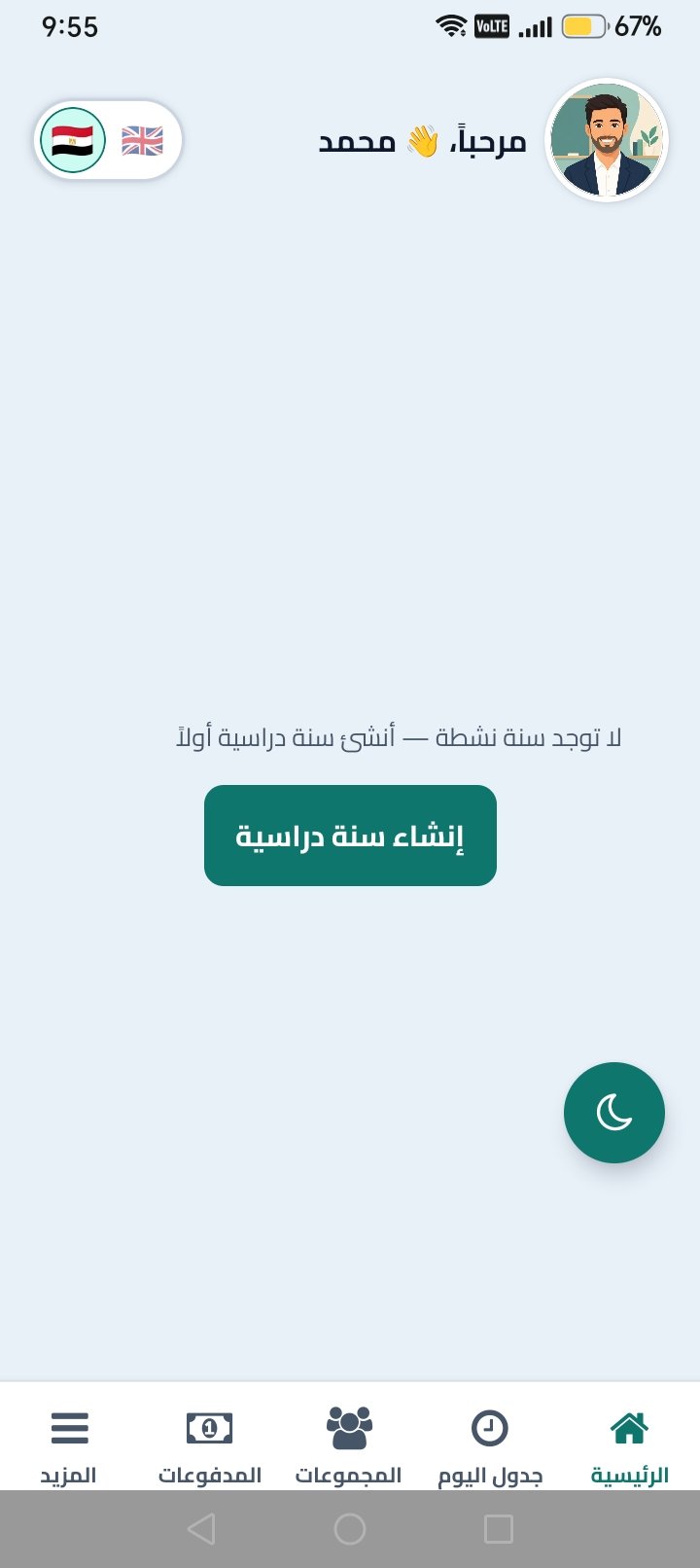
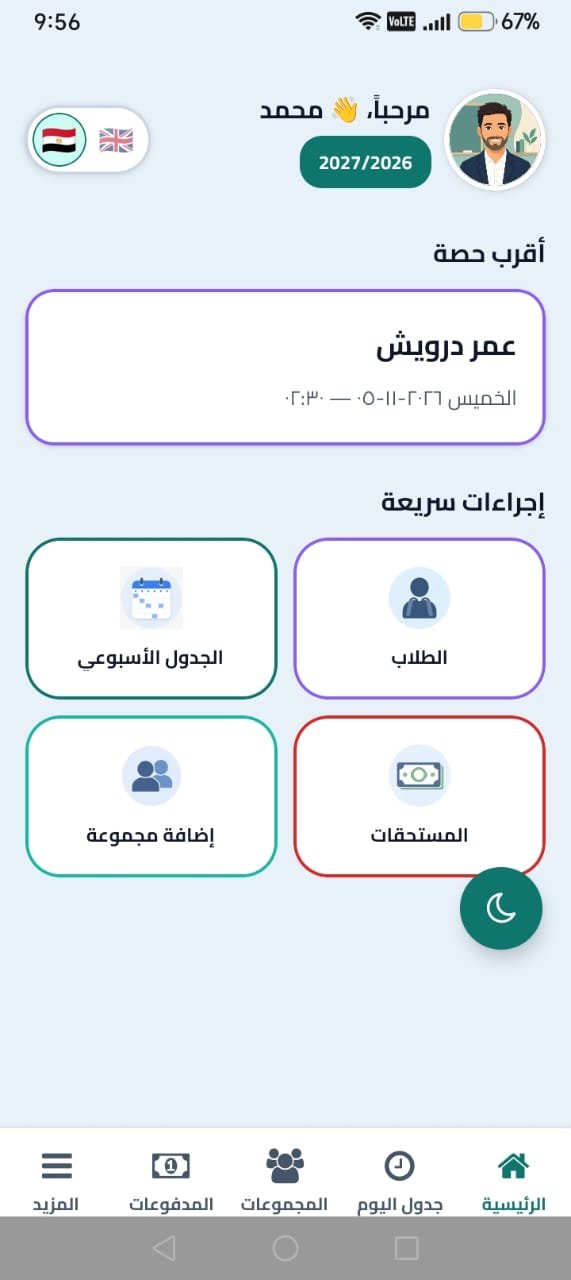
The home screen shows the total collected this month, the amount still due, and a clear list of students who haven't paid or paid only part, with the guardian's phone number.
Students and groups
Add students by hand or from your contacts, or import them from Excel, CSV or Google Sheets. Move a student to another group and keep their history.
Monthly and semester reports
Sessions, revenue, attendance and arrears for each study month or semester.
Backup, app lock and reminders
Export a backup file and restore it on a new phone, protect the app with a biometric lock, and get reminder notifications.
Privacy
Your data stays on your phone
Digital Teacher Notebook works without a server. Students, groups, attendance and payments are stored on your device only, and you don't need the internet for daily use.
- Export a backup file and keep it wherever you like, such as Google Drive.
- Restore the backup when you move to a new phone.
- Activating the app sends only the license key and a device identifier. Your teaching data is not uploaded.
Frequently asked questions
Do I need the internet?
Only to activate your license. Daily use works offline, and the app keeps working for up to 7 days offline after its last successful license check.How do I activate the app?
On first launch the app asks for a license key. Message us on WhatsApp to get yours, paste it into the app and tap activate.Where is my data stored?
On your phone only, in a local database. Nothing is synced to a server.Can I move to a new phone?
Yes. Export a backup from the app, copy the file to the new phone and import it there. Data doesn't sync between phones automatically.Does it support English?
The app is built for Arabic with a right-to-left layout, and you can switch it to English from the settings.Which phones does it run on?
Android phones running Android 7.0 or later, available on Google Play.
Up and running in minutes
Enter your setup once and let the app handle the schedule and the numbers.
01
Create the school year
Add the year and choose the start and end date of each semester.
02
Add your groups
Choose the weekly days, the time and the monthly fee.
03
Add students
Add each student and link them to a group.
04
Record attendance and payments
Mark attendance on the generated sessions and log payments as they come in.
05
Check the month at a glance
See the month's total and who hasn't paid as soon as you open the app.
Start organizing your groups today
Download Digital Teacher Notebook from Google Play and message us for your license key.